Check barcodes, GS1 data and ZPL labels
Free tools for reading, generating and debugging barcodes, GS1 data and labels. Everything runs in your browser. Nothing is uploaded, no account needed.
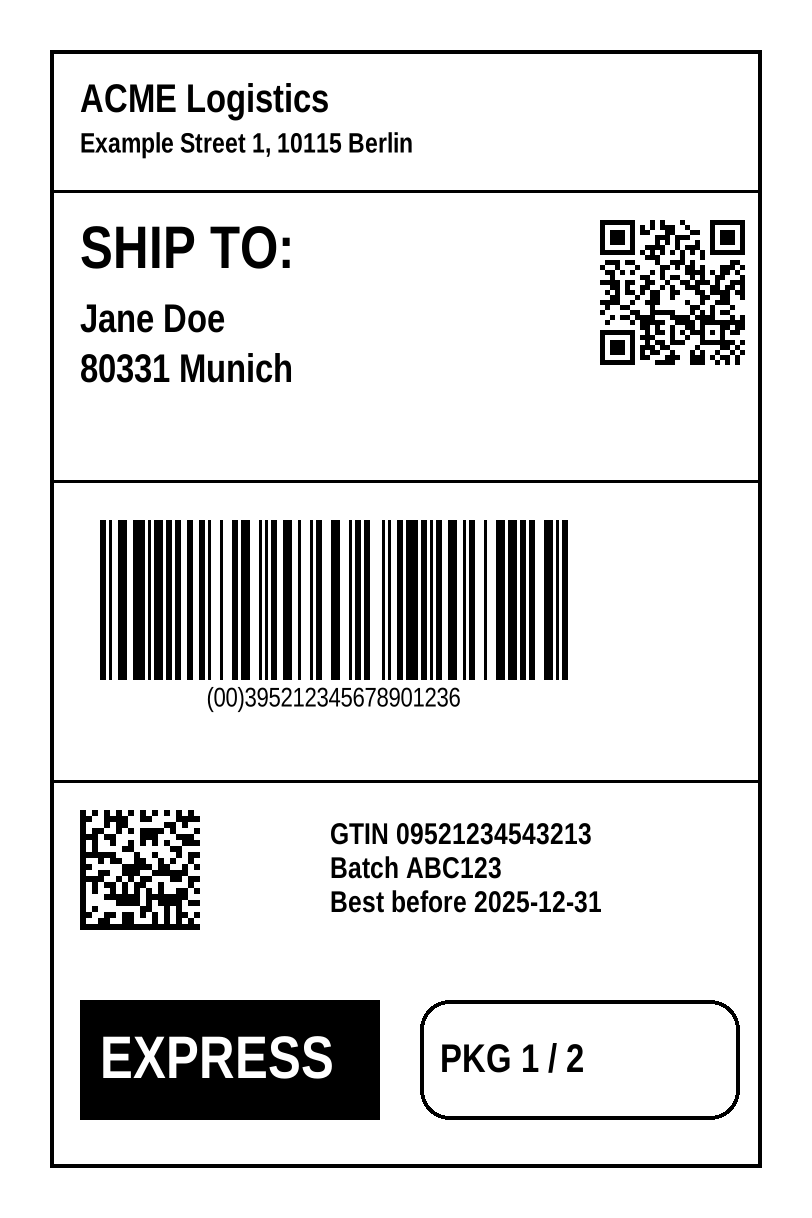
Barcode tools
- Barcode GeneratorGenerate EAN, UPC, Code 128, GS1-128, ITF-14, DataMatrix, GS1 DataMatrix, QR, PDF417, Aztec and more. Download as SVG, PNG or print-ready PDF. Runs in your browser.
- Barcode DecoderRead barcodes from an image or your camera: EAN, UPC, Code 128, GS1-128, DataMatrix, QR, PDF417, Aztec and more, with GS1 interpretation. Runs locally in your browser.
- Barcode Quality InspectorCheck a barcode image for resolution, contrast, sharpness, quiet zone, error correction reserve and GS1 data, with tips to fix each problem. Runs locally in your browser.
- Supported Barcode SymbologiesWhich barcode types our tools generate, decode, inspect and convert to ZPL, and which data rules (GTIN check digit, GS1 syntax) are checked. Every entry is covered by automated tests.
GS1 tools
- GS1 ParserParse and validate GS1 element strings, scanner output and GS1 Digital Link URIs. Shows every Application Identifier with its meaning. Runs in your browser.
- GS1 Application IdentifiersAll GS1 Application Identifiers (AIs) with title, data format, FNC1 rule, Digital Link use and required or excluded combinations. From the official GS1 Barcode Syntax Dictionary.
- GTIN ValidatorCheck GTIN-8, GTIN-12 (UPC-A), GTIN-13 (EAN-13) and GTIN-14 numbers and calculate the check digit. Runs in your browser.
ZPL tools
- ZPL ViewerPaste ZPL and see the rendered label, warnings and detected commands. Choose printer resolution and label size. Runs in your browser.
- ZPL PlaygroundEdit ZPL with syntax highlighting, inline errors and command help on hover, and see the label update live. Format, fix and share your code.
- Barcode to ZPLTurn barcode or GS1 data into ready-to-print ZPL for Zebra-compatible printers. Validates the data, sets position, size and rotation, and shows a preview. Runs in your browser.
- ZPL Resolution ConverterConvert ZPL designed for 203 dpi to 300 or 600 dpi (or back) by scaling all positions, sizes, fonts and barcodes, with a preview of the result.
Label tools
- Label Size CalculatorCalculate ^PW and ^LL in dots for any label size and printer resolution, with the ZPL to copy. Common label sizes included.
- Barcode Size & Quiet Zone CalculatorHow big will a barcode print? Symbol size, real module width after rounding to printer dots, and minimum quiet zones for EAN, UPC, Code 128, GS1-128, ITF, QR, Data Matrix and more.
- Label Position CalculatorCalculate ^FO coordinates in dots: centre or align an element on a label, or convert mm and inch positions to printer dots.
- DPI & Dots CalculatorConvert between mm, inches and printer dots at 152, 203, 300 and 600 dpi. For ZPL positions, barcode sizes and label layouts.
- Label DoctorDescribe a label problem and add the ZPL or a photo of the barcode. Get problem, evidence, possible cause, solution and the matching tools. Runs locally in your browser.
QA tools
- GS1 & Barcode Test Data GeneratorGenerate valid and deliberately broken GTINs and GS1 element strings to test scanners, ERP/WMS imports and label software. Reproducible, exported as CSV, JSON or TXT.
- Batch ValidatorValidate whole lists of GTINs and GS1 element strings from a CSV or text file: check digits, GS1 structure and duplicates, with a downloadable report. Runs in your browser.
Documentation
- Barcode not scanning? A checklist
- Barcode quiet zones: how much margin each symbology needs
- Developer API
- GS1-128 and FNC1 explained
- GS1 DataMatrix vs QR Code: which one to use
- GS1 Digital Link explained
- How the GTIN check digit is calculated
- ZPL basics: the commands every label uses
- ZPL dots and printer resolution